If you ship or receive packages often, you have probably seen this exact status appear on a tracking page at the worst possible time. It is confusing because it does not say your package is lost, but it also does not say when you will get it.
At Bearcat Express, our dispatchers see this exception several times a week across routes through Augusta and the surrounding region, so we know exactly what is happening behind that tracking line. This guide breaks down what “no access to delivery location” means and gives clear next steps for recipients and shippers.
Quick Answer
No access to delivery location means a driver reached your address but could not physically hand off or drop the package because something blocked the door, gate, driveway, or drop point. The carrier logs the exception, then either retries automatically, holds the parcel at a nearby depot, or waits for you to clear the access issue. Most packages move again within one to two business days once the blockage is resolved.
What Does No Access to Delivery Location Mean?
Quick Definition
At its core, no access to delivery location means one thing: the driver was physically present at or near the correct address, but something stood between them and a safe, completable drop. That could be a locked gate, a blocked driveway, a dog in the yard, or a building that requires a code the driver was never given. The address itself is not wrong. The path to the door is the problem.
This is different from what address unavailable means, which usually points to a data issue rather than a physical one. Address unavailable typically means the system could not match the shipping label to a valid, deliverable address at all, so the driver may never have left the vehicle. No access, on the other hand, almost always means the driver arrived and tried.
Why Carriers Use This Status Instead of Marking a Failed Delivery
Carriers separate these statuses on purpose. A flat “delivery failed” tells a customer nothing about whether the problem is fixable today or not. No access to delivery location tells both the recipient and the sender that the package is fine, the driver did their job, and the only thing standing between the current status and a completed delivery is access.
From an operations standpoint, this distinction also protects drivers. A driver is trained not to climb a fence, engage with an unfamiliar animal, or enter a property that looks unsafe. Logging the exception accurately, rather than guessing or forcing a delivery, keeps both the package and the driver out of trouble.
Common Reasons Behind a No-Access Status
Most no-access exceptions fall into a short list of repeat causes:
- A locked gate, fence, or building entrance with no code on file
- A vehicle, dumpster, or construction equipment blocking the driveway or curb
- A dog or other animal loose near the drop point
- An address that falls inside or outside a delivery area for a specific service tier, such as a rural route a standard van cannot reach without an escort.
- A secured office or apartment building that requires check-in at a front desk
- Road closures, flooding, or storm debris near the property
Some of these are one-time issues, like a delivery truck parked in front of your house on a specific afternoon. Others are structural, meaning they will keep happening on every delivery until the recipient or business fixes the underlying access gap. It is also worth knowing that a delivery not attempted status is a separate thing entirely. That status means the driver never left the route stop at all, usually because the address was flagged in advance, while a no-access exception only appears after a driver has actually shown up and tried.
No Access to Delivery Location vs. Delivery Attempted vs. Refused Delivery
These three statuses get confused constantly, and the difference actually matters for how quickly your package moves again.
| Status | What It Means | Who Caused It | Typical Next Step |
| No Access to Delivery Location | Driver reached the area but could not physically reach the drop point | Environmental or structural barrier | Automatic retry or hold at depot |
| Delivery Attempted | Driver reached the door, but no one was available, or a signature was required | Timing, not access | Redelivery attempt or pickup notice |
| Refused Delivery | Recipient was present and declined the package | Recipient decision | Return to sender, often with a fee |
The key takeaway is that a no-access status is rarely about you being unavailable. It is about the driver being unable to safely get to your door in the first place, which is why the fix usually involves clearing a physical obstacle rather than simply being home next time.
Inside a Dispatch Desk: A No-Access Log, Minute by Minute
Most articles describe this status from the customer’s side and stop there. Here is what it actually looks like from ours.
- 9:14 AM: Driver arrives at the address and finds the gate locked with no visible intercom or code posted.
- 9:15 AM: Driver checks the delivery notes on the manifest for any access instructions left at booking. None are found.
- 9:16 AM: Driver calls the recipient’s listed number. No answer.
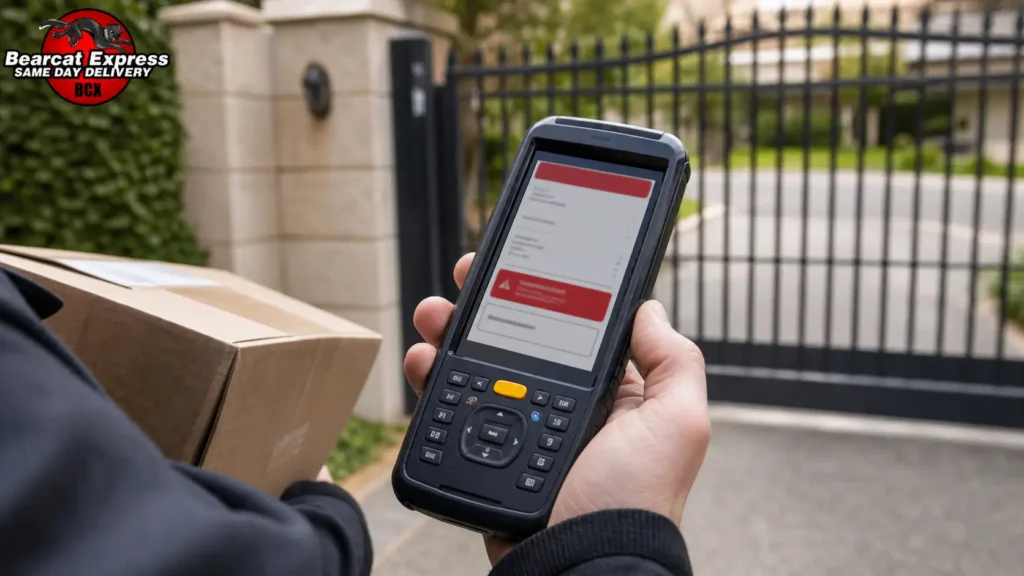
- 9:18 AM: Driver photographs the gate and logs a GPS-stamped no-access exception directly from the handheld scanner.
- 9:19 AM: Dispatch receives the exception in real time and sends an automated text to the recipient with a callback number.
- 9:35 AM: If no response comes back within the window built into that route, the package stays on the truck for the next scheduled stop rather than sitting idle, and dispatch schedules a same-day or next-business-day reattempt depending on the route.
That six-minute window is where most of the real decision-making happens, and it is also exactly why clear instructions at booking matter so much. A gate code or a landmark note can turn that entire sequence into a completed delivery in under two minutes instead of a logged exception.
What Happens After a No-Access Status Is Marked
Redelivery Attempt Process
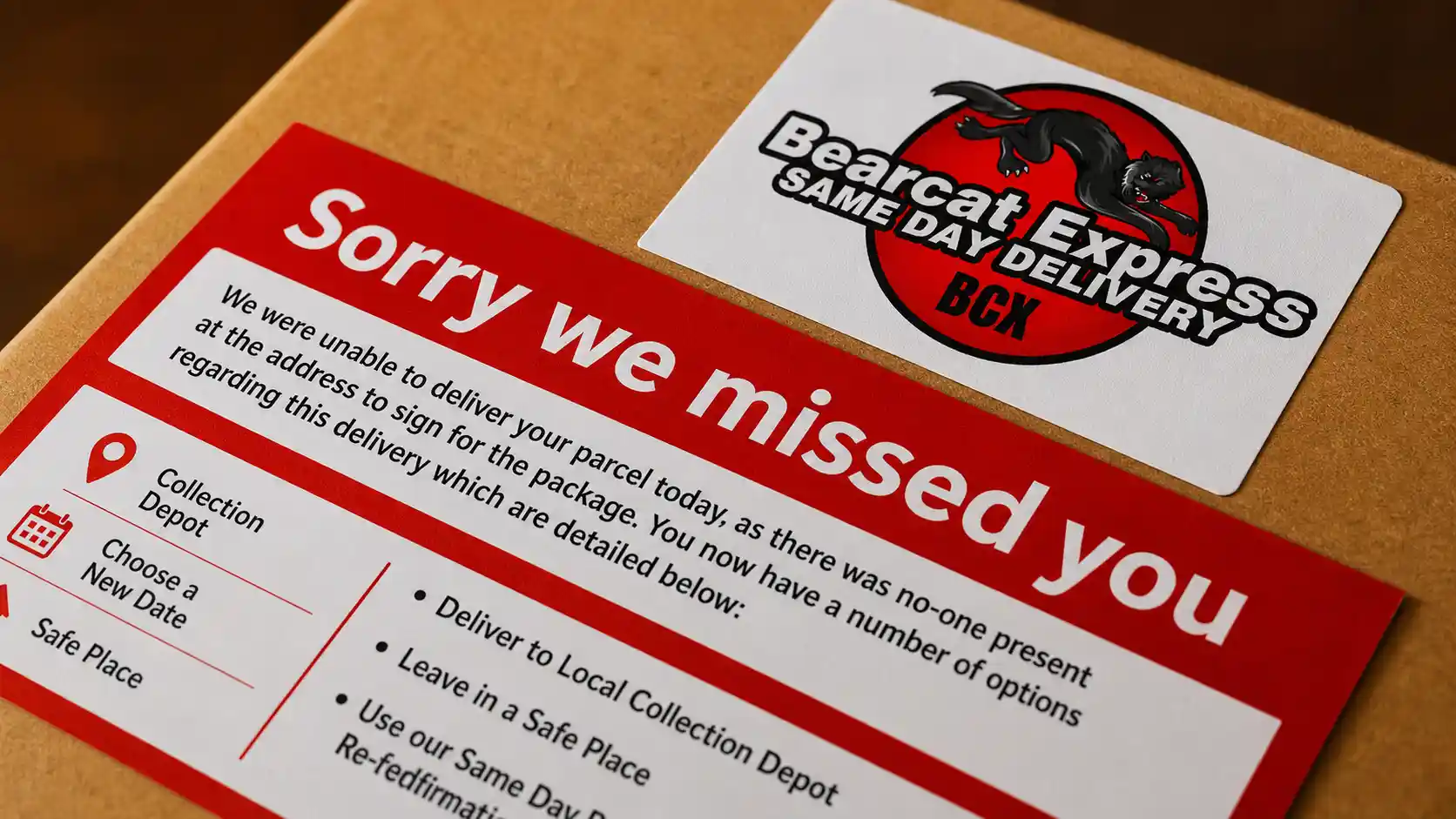
For most residential and small business deliveries, the package gets queued for another attempt, usually the same day if the route allows it or the next business day if not. Nothing further is required from you unless the access issue is still unresolved.
Package Held at Local Depot or Pickup Point
If a route cannot support a same-day reattempt, or if the access issue looks likely to repeat, the package may be held at a local depot instead. This keeps the parcel secure and gives the recipient the option to pick it up directly rather than waiting for another drive-by attempt.
Return-to-Sender Scenario
If multiple attempts fail and no one responds to outreach, the package is eventually returned to the sender. This is the outcome everyone wants to avoid, and it is almost always preventable with one phone call back to dispatch.
Redelivery or Hold Fees You Might See
Depending on the service level and how many additional attempts are needed, some redelivery or extended-hold fees may apply, particularly for scheduled or signature-required shipments. These are usually modest, but it is worth confirming with your carrier before assuming a reattempt is automatically free. If your address genuinely sits in an out-of-delivery area for a given route or vehicle type, ask dispatch directly rather than guessing, since that is a different fix than a simple access note and may mean a delivery not attempted status shows up again until the routing itself is adjusted.
What You Should Do Immediately (as the Recipient)
Recheck Your Address and Access Details
Start by confirming the address on the shipment matches exactly what you intended, including unit numbers, gate codes, and any suite or apartment identifiers.
Share an Accurate Pin or Nearby Landmark
If your property is hard to identify from the street, a dropped pin or a simple landmark note, such as “second driveway past the red barn,” resolves more no-access issues than people expect.
Contact Dispatch Directly
Calling dispatch directly, rather than only messaging the sender, gets you the fastest answer because dispatch can see the exception notes the driver logged in real time.
Give Clear Delivery Instructions
Once you know the cause, whether it is a gate code, a loose dog, or a blocked driveway, pass that instruction along immediately so the next attempt does not repeat the same outcome.
At Bearcat Express, we would rather get one clarifying call than make three failed attempts, and dispatchers are trained to treat that call as the fastest way to close out the exception.
What Online Sellers and Businesses Should Do (as the Shipper)
Why This Status Can Delay Your Payout or Trigger a Buyer Dispute
If you sell online, a no-access status sitting on a tracking page for more than a day or two can trigger buyer anxiety fast. Marketplace platforms often flag stalled tracking as a potential item-not-received situation, which can delay a payout or put funds on hold until the delivery resolves, even though the package was never actually lost.
How to Respond to an Item-Not-Received Claim Tied to This Status
If a buyer opens a claim while this status is showing, respond with the actual tracking detail rather than a generic apology. Point to the exception note, explain that the carrier attempted delivery and logged an access issue, and give a realistic timeline for the next attempt. Most disputes resolve quickly once the buyer understands the package is still moving, not lost.
Protecting Yourself With Delivery Instructions at Booking
The strongest protection is prevention. Adding access notes, gate codes, or a business’s front-desk instructions at the time of booking dramatically cuts down how often this status appears in the first place, which means fewer disputes and faster payouts overall.
How to Prevent This on Future Deliveries
Accurate Map Pins and Landmarks at Booking
A precise pin dropped at booking time removes most of the guesswork that leads to a local delivery restriction being flagged on a route that a driver otherwise could have completed without issue.
Gate Codes and Access Notes
If your property has a gate, keypad, or shared entrance, include the code every time rather than assuming the driver already has it on file.
Keep Your Contact Number Updated
A working phone number is often the single fastest way to turn a no-access exception into a completed delivery within minutes rather than days.
For Businesses: When Repeat No-Access Issues Cost You
For businesses shipping regularly to the same locations, whether that is a construction site, a medical office, or a retail loading dock, repeat no-access issues add up fast. A single reattempt might only cost a short delay, but a business seeing this exception on even ten percent of its deliveries is effectively paying for extra driver time, extra fuel, and slower customer response on every one of those stops. Fixing the access instructions once at the account level, rather than per shipment, is almost always cheaper than absorbing that repeat delay.
You may also read: Why Did My Package Go Back to the Regional Facility?
When Should You Be Concerned?
Delay Beyond the Expected Window
If your package has been sitting on this status for longer than the carrier’s stated reattempt window, that is worth a direct call rather than continued waiting.
No Updates From Dispatch
A lack of any follow-up communication after you have provided access instructions is a signal to call again and confirm the notes actually reached the driver’s route.
Package Marked Returned
If the status changes to returned before you have had a chance to resolve the access issue, contact the sender or dispatch immediately, since a returned package can often be redirected before it fully leaves the local network.
Final Thought
A no-access to delivery location status looks alarming, but it is one of the most fixable exceptions in the entire delivery process. In almost every case, the package is safe, the driver did their job, and the fastest fix is a short call with clear directions. Whether you are waiting on a package or shipping one out, treating this status as a quick communication gap rather than a lost shipment will get things moving again faster than waiting it out silently.
If a delivery in the Augusta area is showing this status right now, our dispatch team can look up the exception directly and get you a real answer, not a guess. Contact Bearcat Express, and we will walk you through exactly where your package is and what the fastest next step looks like, the same way we handle it for every Same Day Delivery Service Augusta GA customer on our routes.
FAQs
Does no access to delivery location mean my package is lost?
No. It means the driver reached the area but could not safely complete the drop. The package is almost always still with the driver or back at a local depot, not missing.
What is the difference between address unavailable and no access to delivery location?
Address unavailable usually points to a data or address-matching problem before the driver even arrives, while a no-access status confirms the driver was on-site but physically blocked from completing the delivery.
Will I be charged extra if my delivery gets marked as no access?
Sometimes, but not always. Standard reattempts are typically included, while extended holds or multiple redelivery attempts on signature-required shipments may carry a small fee depending on the service level.
How long does a no-access exception usually take to resolve?
Most are resolved within one to two business days once the access issue, whether that is a gate code, a blocked driveway, or a loose animal, has been communicated to dispatch.
Can a local delivery restriction cause this status even if my address is correct?
Yes. Some addresses fall into a local delivery restriction because of route type, vehicle size, or security requirements at the property, which can trigger a no-access exception even when the address itself is entered correctly.