You open the tracking page expecting “out for delivery” and find your parcel sitting at a hub two counties away. It feels like a step backward, and it usually is, literally. Why did my package go back to the regional facility? In most cases, something small needed correcting before the shipment could safely continue.
At Bearcat Express, our dispatch desk sees this question regularly, so this guide explains what each scan means, how to read your own scan history, and when it is worth stepping in.
Quick Answer
Why did my package go back to the regional facility? Because a sorting correction, a failed delivery attempt, a missed truck cutoff, or a label problem sent it back for another pass. A single step back is routine and normally clears on its own. If the same two facilities keep appearing, or scans stop for several days, action is needed.
Key Takeaways
- One return to a facility, followed by new movement within a day or two, is common in parcel networks.
- Address mismatches, damaged labels, and missed truck cutoffs are frequent triggers.
- Repeating scans between the same two locations point to a flag that a person has to clear.
- Waiting times in this guide are general operating ranges, not guarantees. Every network, season, and route behaves differently.
- Fewer handoffs generally mean fewer places for an error to happen, which is the logic behind local routing.
What Is a Regional Facility in Shipping?
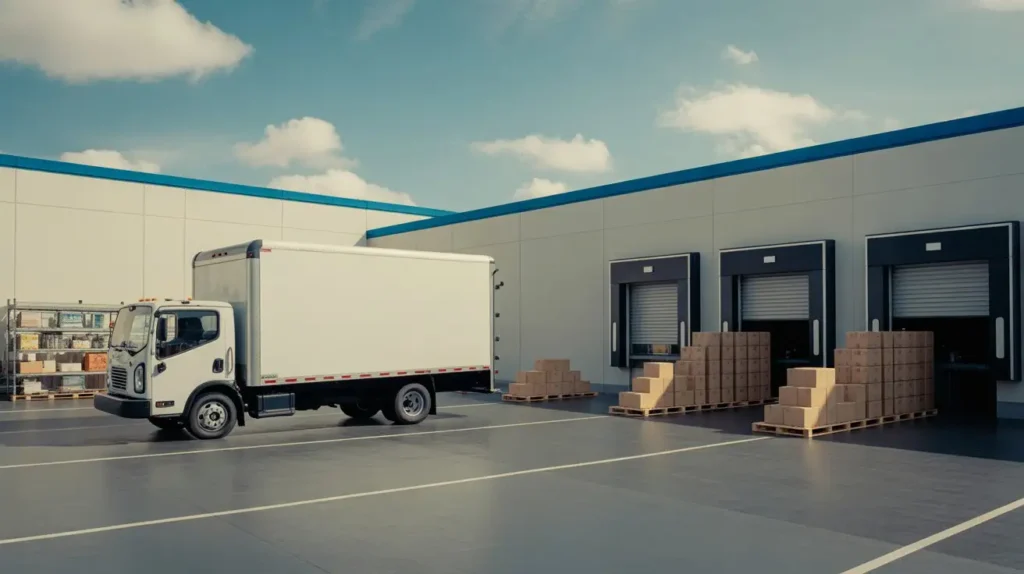
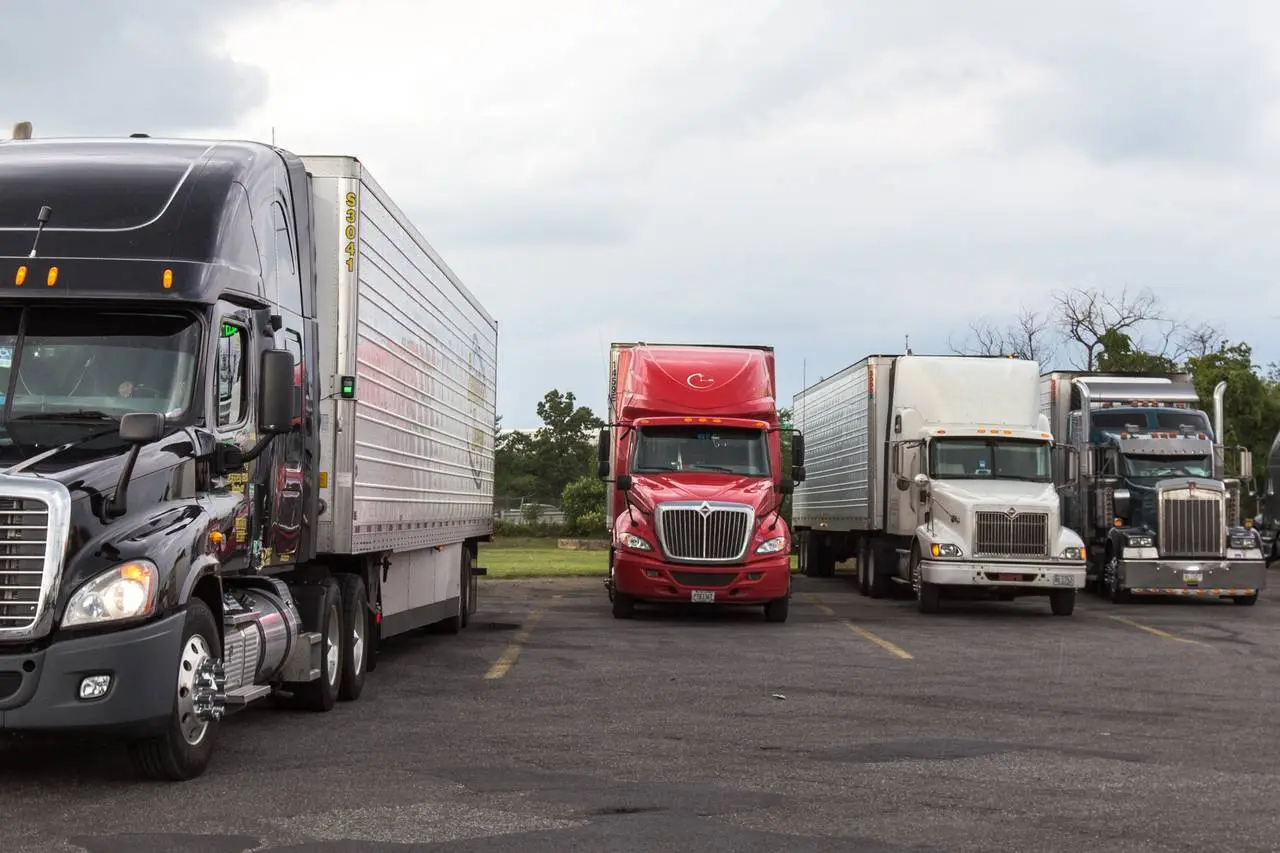
A regional facility is a large hub that receives parcels from many smaller depots, sorts them by destination, and sends them onward. It works more like a traffic controller than a delivery stop. Carriers use several names for similar buildings, and the same site may appear under different labels depending on the network, so a package at a regional carrier facility is not necessarily in a different kind of place than one at a “sorting center.”
| Facility type | What it does | Area covered | Typical role in your tracking |
| Regional facility | Large sort and dispatch hub | A whole region | “Arrived” and “Departed” scans |
| Sorting center | Machine and manual sort by destination | Part of a region | Short stops between legs |
| Distribution center | Splits bulk loads into local routes | A metro area | Final stop before the local unit |
| Local hub or delivery unit | Loads vehicles for drivers | A neighborhood or town | “Out for delivery” |
How a Package Moves Through the Network
A typical parcel follows this path: pickup, origin scan, regional hub, sort, outbound truck, destination hub, local unit, delivery vehicle. Each step creates a scan. Most delays happen between steps, not during them, because parcels wait for the next truck or the next sort wave. When the sequence appears to run backward, it normally reflects a correction rather than a random mistake.
Tracking Status Decoder
| Tracking status | Plain meaning | Worry level | What usually follows |
| Arrived at regional facility | Scanned into the hub, waiting to be grouped | Low | Sort and outbound batch |
| Departed regional facility | Left the hub, next scan not yet recorded | Low | Next scan can take many hours to appear |
| Processed through facility | Passed a sorting machine | Low | Moves to the next leg |
| In transit to next facility | On a truck between sites | Low unless it lasts days | Scan at the next hub |
| Delivery exception | Delivery could not be completed as planned | Medium if repeated | Retry or investigation |
| Rerouted or misrouted | On the wrong route and being corrected | Low once, higher if repeated | Rescan and reassign |
One detail surprises many people: after a departed regional facility scan, a truck can drive for a long stretch before the next facility records the parcel. A quiet tracking page does not mean the parcel is standing still.
Top Reasons Your Package Went Back to the Regional Facility
| Trigger | What happens | Who fixes it | Typical delay |
| Address problem | Sorting flags a missing unit number or mismatch | Carrier, sometimes sender | One to three days |
| Failed delivery attempt | No safe drop spot, locked gate, signature needed | Carrier, with recipient input | One to two business days |
| Sorting or scan error | Parcel placed on the wrong route | Carrier | One to two days |
| Damaged or unreadable label | Barcode will not scan cleanly | Carrier, often manual | Two to four days |
| Missed truck cutoff | Parcel misses the outbound trailer | Carrier | Usually the next day |
| Route rebalancing | Loads redistributed to keep windows accurate | Carrier | Often under a day |
| Driver hour limits | Remaining parcels return to be reassigned | Carrier | Next route day |
| Weather or site disruption | A hub cannot process outbound loads | Carrier | Varies with conditions |
Two of these are rarely mentioned. A damaged barcode forces a person to key in or reprint the label data, which slows everything. A missed cutoff is purely a timing issue: the parcel was sorted correctly but the trailer left without it, so it waits for the next one.
Read Your Scan History: 4 Patterns and What Each One Means
Reasons are useful, but most people want to know what their own scan list says. Match yours to one of these patterns.
| Pattern | What the scans look like | What it usually means | What to do |
| 1. Single back-step | Arrived, departed, arrived at the same hub once, then departed again | A one-time correction or missed cutoff | Wait about 48 hours |
| 2. Ping-pong | Hub A, hub B, hub A, hub B | Label or address flag that automation keeps rejecting | Contact the carrier and ask for a manual review |
| 3. Backward, then silent | Last scan is “arrived,” no departure for several days | Missed cutoff, damaged label, or a parcel awaiting manual handling | Start the escalation ladder below |
| 4. Moving toward the sender | Scans trend back toward the origin region | A return flag was applied | Confirm with the carrier whether it is a return |
Pattern 1 is the one behind most worried searches. A package went back to a distribution center once, then moved again, and that is ordinary. Pattern 2 is the one that needs a human.
Is My Package Looping?
Looping means a parcel bounces between the same facilities more than once. The cause is usually one stubborn flag: a duplicate label, a barcode the machines cannot read, or an address check that never gets cleared manually. The parcel is rarely misplaced. It is following automated instructions that no one has overridden. If you have seen the same facility pair twice, treat it as a pattern, not a delay.
Back at the Facility vs Returned to Sender vs Lost
| Situation | Signs on tracking | Likely meaning |
| Back at the facility | Scans stay within the same region, then resume | Correction in progress |
| Returned to sender | Return wording appears, scans head toward the origin | The shipment is being sent back |
| Possibly lost | No scan for many days, no exception notice | Needs a trace request |
If a scan mentions a return, the situation has changed, and the sender should be contacted too.
What Happens Next and How Long It Takes
| Stage | What happens | Typical window |
| Rescan at the facility | Label data is verified | Hours to a day |
| Manual check, if needed | Address or label reviewed by staff | One to three business days |
| Reassignment | Parcel placed on a new outbound route | Next available truck |
| New attempt | Delivery tried again | Often within one to two business days |
Peak seasons stretch every row, because the same equipment and staff process more volume.
Day-by-Day Escalation Ladder: What to Do and When
| Day | If you are the recipient | If you are the sender |
| Day 0 to 1 | Check for an exception note; confirm your address and phone number | Confirm the address on the label matches the order |
| Day 2 to 3 | Watch for a new scan; enable notifications | Check that the label barcode is clean and complete |
| Day 4 to 5 | Contact the carrier with the tracking number | Open an inquiry and ask for a trace |
| Day 6 and beyond | Ask for a formal search or claim process | Start a claim; consider reshipping time-sensitive items |
Have the tracking number, a screenshot of the full scan list, and the address as entered ready before you call. Matching your scan list to the patterns above also helps the agent move faster.
How to Prevent It Happening Again
If You’re the Recipient
Check the address at checkout, include apartment or suite numbers, and add gate codes or drop-off notes. If you are rarely home, choose a pickup point or a delivery window.
If You’re the Sender
Print labels clearly on flat, undamaged packaging, avoid reusing old boxes with leftover barcodes, and verify addresses before printing. Cover old labels completely.
Inside a Same-Day Dispatch Desk: How a Local Courier Handles a Returned Package
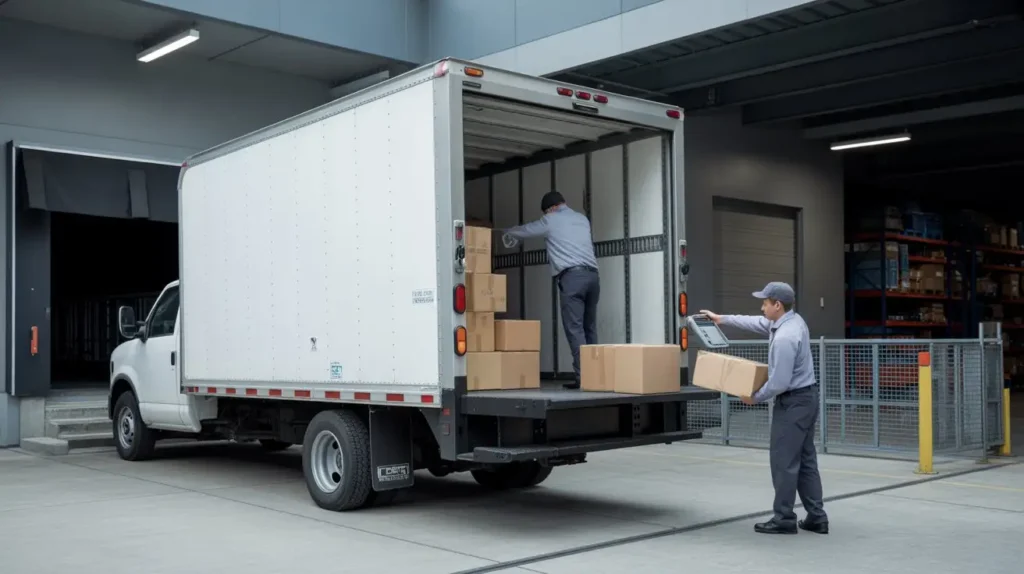
Here is how we handle a parcel that cannot be delivered on a local route. The driver reports the problem from the door, whether it is a locked gate or a missing unit number. The dispatcher then decides on the spot: retry later the same day, call the recipient, or hold the item at the depot. Because the parcel moves from pickup to destination on one local route, it rarely passes through several hubs. Our Same Day Delivery Service Augusta GA works this way, with fewer handoffs and exceptions reviewed the same day.
| Multi-hub national network | Local same-day route | |
| Handoffs | Several | Few |
| Exception review | Often batched | Same day |
| Recipient contact | Usually automated | Direct from dispatch |
The tradeoff is reach. A local route covers a limited area, so it suits urgent or high-value local deliveries rather than cross-country shipping.
Final Thought
When a package went back to a distribution center once, it is almost always a correction. When a departed regional facility scan is followed by the same facility again and again, it is a signal to act. Match your scans to the patterns above, follow the escalation ladder, and keep your details handy. For time-sensitive local shipments, contact Bearcat Express, and our team will help.
Frequently Asked Questions
Why did my package go back to the regional facility if the address was correct?
A scanner can misread a label, or the parcel can miss its outbound truck. Both lead to another pass through the hub even when the address is perfect.
Why does my package keep going back and forth between two facilities?
That ping-pong pattern usually means a label or address flag is not being cleared. Contact the carrier and ask for a manual review.
Does it mean the package is being returned to sender?
Not by itself. A return normally shows return wording and scans moving toward the origin.
Can I pick up my package at the regional facility?
Usually not. These hubs are built for sorting, not customer service, so ask the carrier about redirecting to a pickup point instead.
How long should I wait before contacting support?
If a package at a regional carrier facility shows no new scan for about four to five days, or it repeats the same facility twice, reach out.