You refresh the tracking page for the fifth time, and nothing has changed. The status said in transit two hours ago, and now it is completely silent. If you have ever wondered how do delivery companies track packages, and why updates sometimes stop, here is the short answer: they combine barcode scans, GPS, and driver apps, all linked to one tracking number.
At Bearcat Express, we run same-day routes across Georgia, Alabama, and nearby regions, so we see both sides of that screen. This guide shows how each layer works, where the blind spots are, and what to do when updates go quiet.
How Do Delivery Companies Track Packages? (Quick Answer)
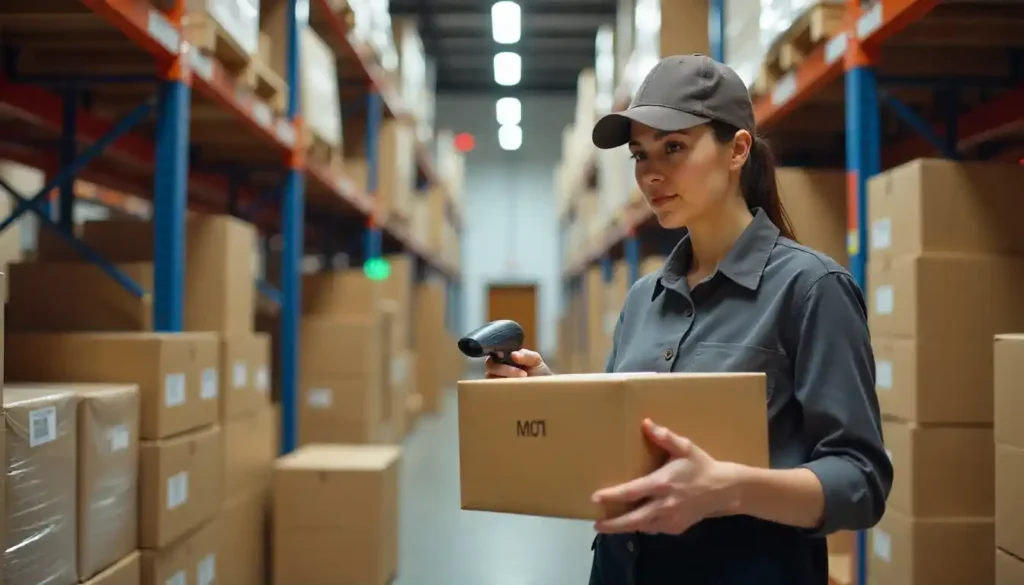
Delivery companies track packages in three layers. First, a barcode or QR code on the label is scanned at pickup, at each handoff, and at delivery. Second, GPS from the vehicle or the driver’s phone shows where the route is between those scans. Third, a package tracking software system links both to one tracking number, so the customer sees a single timeline.
Most guides skip one point: scans and GPS answer different questions. A scan tells you where the parcel was at a specific moment. GPS tells you where the vehicle is right now.
What Package Tracking Is, and How a Tracking Number Differs From a Tracking Link
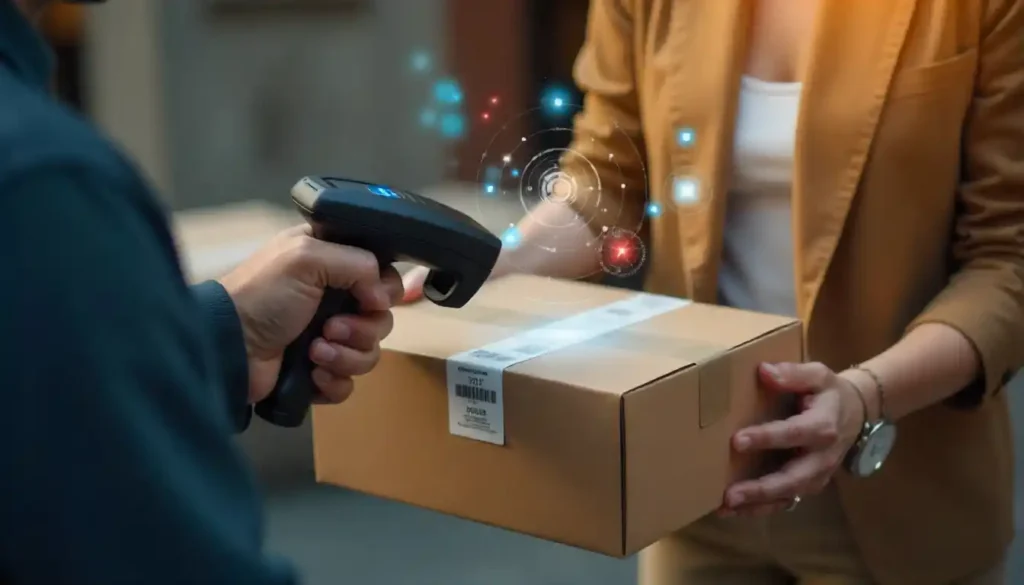
Package tracking is the process of recording a shipment’s movements and showing them to the sender and the recipient. Every shipment gets a tracking number, a reference code tied to its record. On its own, the number does nothing. Someone has to enter it into a tracking page.
A tracking link is different. It is a web address that opens the live page for one delivery, usually with the tracking number already built in, so there is no copying, pasting, or app download. A tracking number is also not an order number. The order number belongs to the seller, while the tracking number belongs to the courier.
People who search how do delivery companies track packages quizlet are usually after a short, study-style summary. Here is the flashcard version: label, scan, route, proof. Everything below expands on those four words.
Scan-Based vs. Live GPS Tracking: The Two Models Explained
The honest answer to how do delivery companies track packages is that most use both models together, because each one has a different strength.
| Scan-based tracking | Live GPS tracking | |
| How it works | Barcode read at checkpoints | Phone or vehicle device reports position |
| Update frequency | Only when a scan happens | Continuous while the route is active |
| What you can see | Last known checkpoint | Moving position and revised arrival time |
| Weak spot | Silence between scans | Needs signal and an active driver app |
| Best for | Long-distance, multi-hub parcels | Local, same-day, time-critical jobs |
A scan proves that this exact parcel was at this exact place. GPS proves the journey is moving. A good system uses a scan to confirm the parcel and GPS to confirm the route.
One Delivery, Minute by Minute: Anatomy of a Tracked Same-Day Route
Here is how a typical same-day job moves through the system at Bearcat Express. The times below are an illustrative example, not a measured average.
- 9:00 AM, job created. Pickup address, drop-off address, time window, and contact details are entered. The system generates the tracking number.
- 9:20 AM, dispatch. A driver is assigned, and the job appears in the driver app.
- 9:50 AM, pickup scan. The driver scans the label and the first status, Picked Up, goes live.
- 9:55 to 10:35 AM, in transit. GPS shows the route. No extra scans are needed because the parcel goes straight from sender to recipient.
- 10:35 AM, out for delivery. An arriving soon message can fire so someone is ready at the door.
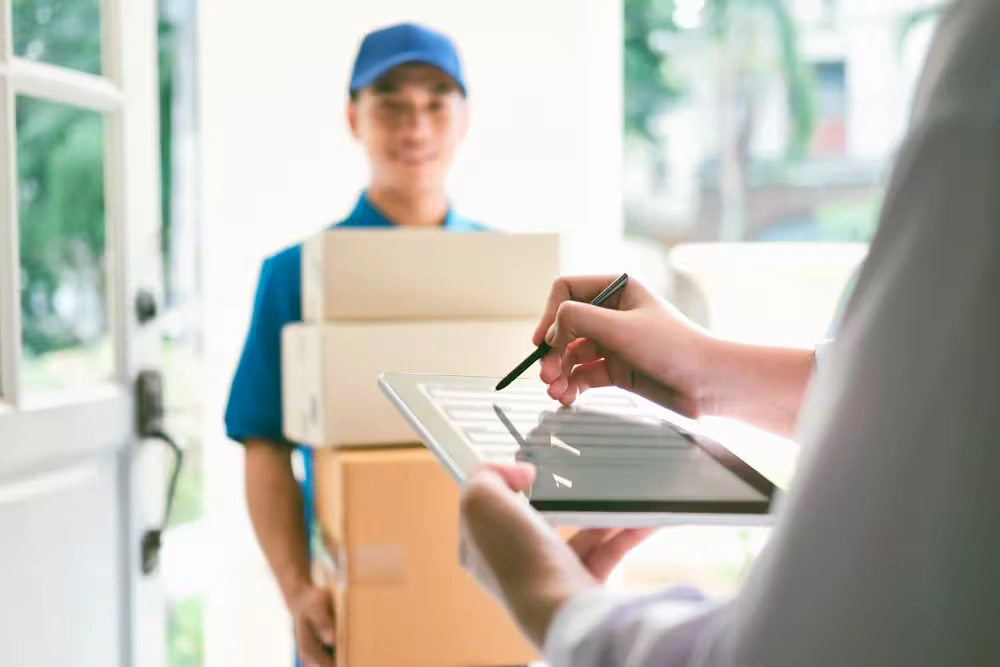
- 10:50 AM, proof of delivery. A signature or photo, a timestamp, and the GPS location are saved.
Notice what is missing: a sorting hub. On direct same-day routes, the Arrived at Sorting Hub status often never appears, which makes some customers think a step was skipped. Nothing was skipped. The route was simply shorter. For the full process, read how same-day delivery works.
The Technology Behind Tracking, and What Each Tool Cannot Tell You
Every tool below feeds a package tracking software system, the database that turns raw scans and GPS pings into the timeline you see. Each tool also has a blind spot.
| Tool | What it captures | What it cannot tell you |
| Barcode or QR code | Identity and time at a checkpoint | Anything between scans |
| RFID | A tag read near a reader | Location when no reader is nearby |
| GPS | Vehicle or phone position | Which parcel is inside, without a scan |
| Driver app | Scans, photos, signatures, status taps | Accuracy if a status is tapped late |
| IoT sensors | Temperature, shock, humidity | Location, unless paired with GPS |
| AI-based ETAs | A predicted arrival window | Sudden events, such as a blocked gate |
The tool people forget is the driver app. Every status depends on a human tapping at the right moment, so tracking quality is partly a training and process issue, not only a technology issue.
Why Tracking Goes Quiet Between Scans
Tracking goes quiet because scan-based systems only record events at checkpoints. Between checkpoints, the parcel is moving, but nobody has scanned it.
What Stuck or No Update Usually Means
In most cases, it means no new scan, not that the package stopped. Common causes include a parcel riding on a truck between facilities, a scan missed at a busy dock, a driver who has not reached the next stop, or a late sync between the app and the system. A genuinely lost package is the rare explanation, not the usual one.
What to Do When Tracking Stops Updating
- Within a few hours: wait. A gap this short is normal.
- Same-day job, one hour past the estimate with no change: contact dispatch and quote the tracking number.
- Standard parcel, no new scan for a business day or two: ask the sender to open a trace with the courier.
- Any case: screenshot the last status and keep the tracking number handy.
The simplest habit when tracking your packages is saving that last status. It gives support teams a timestamp to work from.
Tracking Status Decoder: What Each Update Really Means
| Status | What it means | What you should do |
| Picked Up | The courier has the parcel and scanned it | Confirm the tracking page has started |
| In Transit | The parcel is moving to its next point | Wait, gaps are normal |
| Arrived at Sorting Hub | The parcel is at a facility for sorting | Allow time for the next scan |
| Out for Delivery | The driver is on the final route | Stay reachable and check access details |
| Delayed or Exception | Weather, an address issue, or site access interrupted the job | Read the reason and reply fast |
| Delivered | Delivery was recorded with proof | Check the proof, then look around the address |
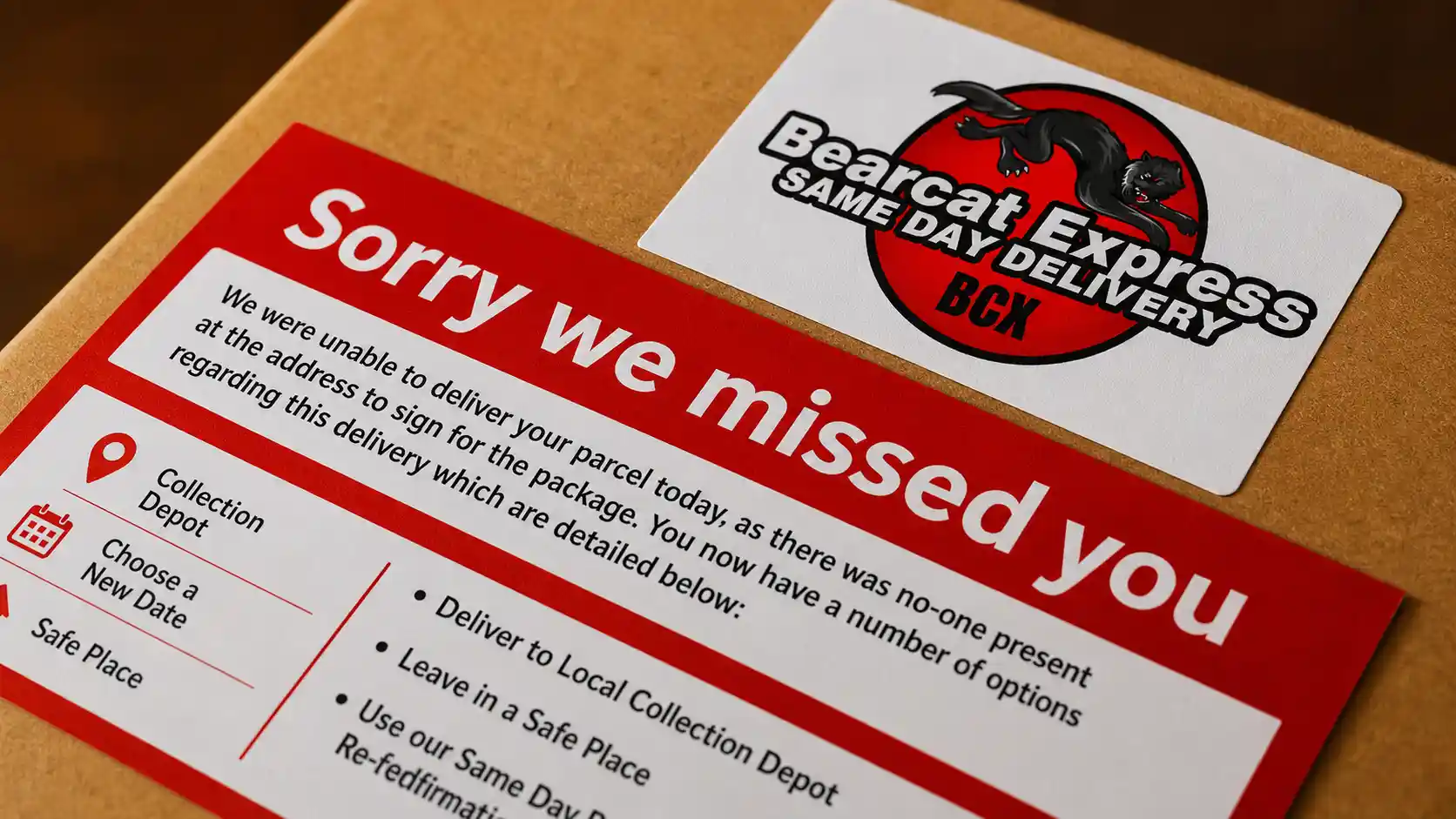
An exception is not always bad news. It often means the system caught a problem early. If a driver could not complete the drop, this guide explains what happens after a failed delivery attempt.
How Delivery Time Estimates Are Calculated, and Why They Change
An estimated arrival is a calculation, not a promise. It uses four inputs: the driver’s live position, the number of stops before yours, traffic and road conditions, and the typical time spent at each stop, such as parking, walking in, and waiting for a signature.
That explains why your estimate can shift when nothing seems wrong. If an earlier stop runs long, every later stop moves with it. A window is more honest than a single time. Recipients can help by sharing gate codes, building access notes, and a phone number, because that shortens service time at the door.
Proof of Delivery: What Counts and What to Do If It Says Delivered but Isn’t
Proof of delivery is the recorded evidence that a parcel reached the right place. It can be a signature, a photo of the parcel at the drop point, a GPS timestamp showing the driver at the address, or a one-time code given to the recipient. A photo plus a GPS timestamp is a strong combination.
If the status says delivered but you have nothing, take these steps:
- Open the proof and read any location note.
- Check the porch, side door, front desk, mailroom, and neighbors.
- Wait a short while, since a status is sometimes logged just before the handoff.
- Contact the courier with the tracking number and ask for the proof.
Learn more in our guide to what is proof of delivery.
Local Courier Tracking vs. National Network Tracking
| Factor | Local courier | National network |
| Route | Direct, often pickup to door | Several legs through hubs |
| Scan points | Few, because there are fewer handoffs | Many |
| Live position | Common on active routes | Often limited to checkpoints |
| Who you can reach | Dispatch or the driver | Usually a customer service channel |
Fewer scans do not mean less visibility. When tracking your packages on a local route, a few scans plus a live map can tell you more than a long list of hub scans. For same-day jobs around Augusta, see our Local Courier Service Augusta GA page.
What Good Tracking Looks Like: A 6-Point Checklist for Businesses
- A live link that works without an app. Recipients will use it once, so keep it frictionless.
- An arrival window, not just a delivery date.
- Exception reasons in plain words, not internal codes.
- Proof attached to the delivered status.
- A real person to contact, such as dispatch or the driver.
- Data privacy. A public tracking link should not expose full addresses or phone numbers.
Before you sign with any courier, ask for a test delivery on their package tracking software system. Ten minutes with a live example shows more than a feature list.
Where Package Tracking Is Heading
Three changes are realistic. Predictive ETAs will use more route data to narrow arrival windows, though they will remain estimates. Smarter notifications will prompt recipients at the right moment, which cuts missed deliveries and Where Is My Order calls. Smart lockers will confirm pickups automatically, giving the sender a clean record.
Final Thoughts
If you came here from a search like how do delivery companies track packages Quizlet and wanted the quick version, remember this: label, scan, route, proof. Scans confirm identity, GPS confirms movement, and your tracking number connects the two. Knowing where the gaps are makes waiting far less stressful. Need delivery with clear updates in Georgia, Alabama, or nearby areas? Contact Bearcat Express, and we will help you plan it.
FAQs
Why is my package tracking not updating?
Usually, there has been no new scan because scan-based systems only update at checkpoints. The parcel is often still moving between facilities or stops. If nothing changes after a business day or two, contact the sender or courier with your tracking number.
What does in transit mean?
It means the parcel is moving through the delivery process between pickup and the final route. It does not give an exact location. The next update normally arrives at the next scan point.
How do delivery companies track packages without GPS on the parcel itself?
Most parcels carry no GPS device. The label’s barcode is scanned at handoffs, while GPS sits on the vehicle or the driver’s phone. The software links the two, so you see movement without a tracker inside the box.
Is a tracking number the same as an order number?
No. The order number comes from the seller and identifies your purchase, while the tracking number comes from the courier and identifies the shipment. You need the tracking number to track your packages.
What if tracking says delivered but I did not receive it?
Check the proof of delivery, then look around the address and ask neighbors or building staff. If it is still missing, contact the courier with the tracking number and request the photo or GPS record. Acting quickly gives the courier the best chance to resolve it.