
You refresh the tracking page for the fourth time, and the status finally changes to “Out for Delivery.” Your day suddenly has a deadline, but you have no idea whether that means ten minutes or ten hours. So what does out for delivery mean, and how much should you trust it?
At Bearcat Express, we run same-day routes across Georgia, Alabama, South Carolina, North Carolina, and Tennessee, so we watch this status turn from a single scan into a doorstep delivery every day. This guide explains what the status really signals, what it does not promise, and what to do when the day runs out before the driver shows up.
Out for Delivery Meaning (Direct Answer)
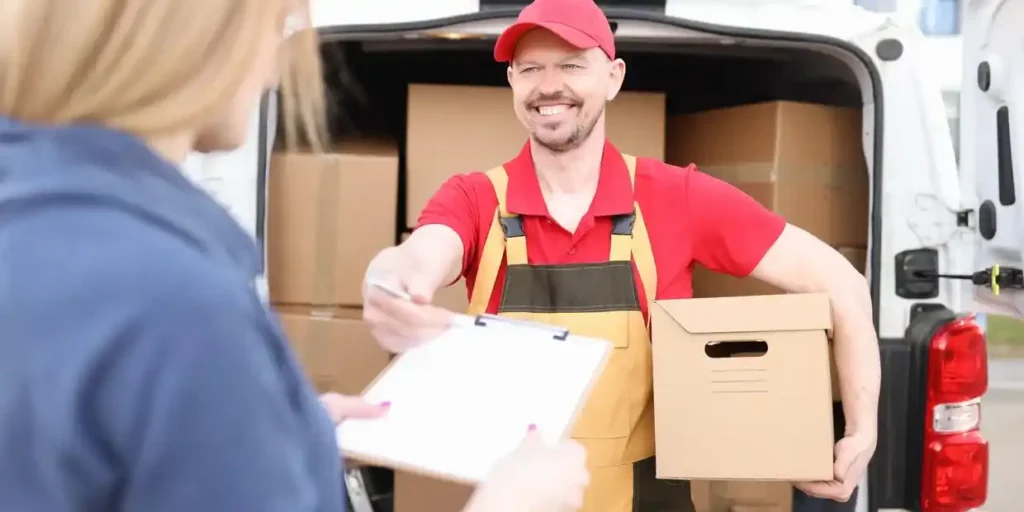
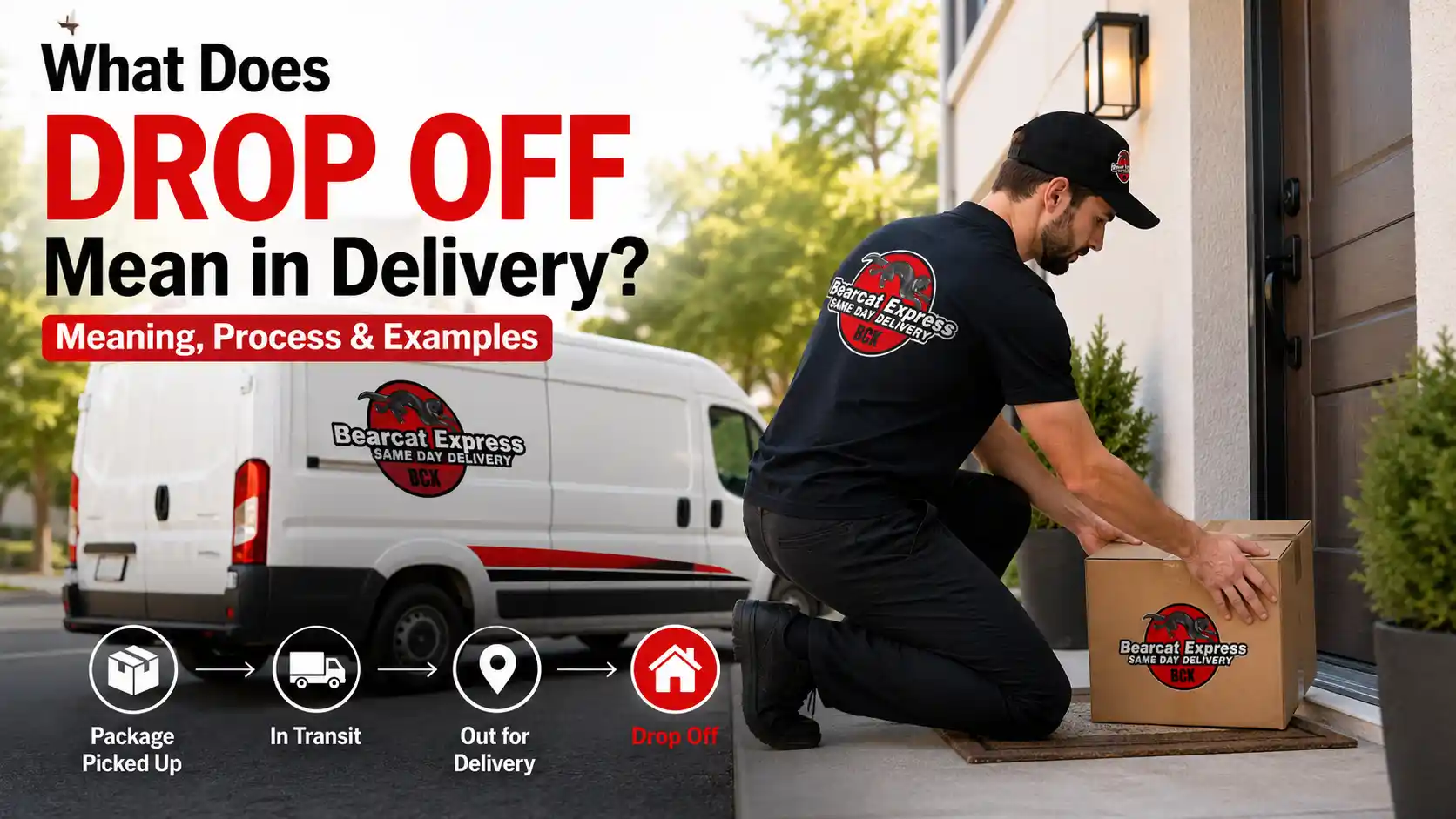
Quick answer: Out for delivery means your package has left the local facility, was scanned by a driver, and is on the way, loaded on a delivery vehicle to your address. It is the last stage before “Delivered,” but it is not a promise of an exact arrival time.
Key takeaways
- The status appears when a driver scans your package into a vehicle, not when it merely arrives in your city.
- It usually means delivery is planned for that same day, but your position on the route decides the hour.
- If the day ends without a delivery, the cause is almost always a failed attempt, a missed scan, or a cutoff, not a lost package.
If you had to define out for delivery in one sentence, it would be this: a driver physically has your package and a route that includes your address. That is the real meaning of out for delivery. It describes custody and intent. The package is no longer sitting on a shelf or in a bin, and a specific person is now responsible for getting it to you. What it does not describe is distance, speed, or how many stops come first.
What Happens Behind the Scenes Before This Status Appears
Most people only see the status change, but a lot of decisions happen before it does. Understanding them clears up why what does out for delivery mean in practice can differ from one delivery to the next.
Sorting and Dispatching
When a package arrives at a hub, it is scanned and sorted by delivery zone. Packages for the same neighborhoods are grouped so a driver is not crisscrossing the city. In a same-day operation, this step is compressed into a short window, because a package that waits an extra half hour in the sorting area can push a morning delivery into the afternoon.
Route Assignment and Loading
Once sorted, a dispatcher decides which driver takes which cluster of stops. They look at delivery windows, traffic patterns, vehicle capacity, and how many stops one person can realistically complete before the shift ends. Packages are then loaded in a deliberate order, and the driver scans each one. That scan is what flips your tracking page, and it is the reason some systems describe the stage as on the way, loaded on the delivery vehicle.
Out for Delivery vs Scheduled, Shipped, In Transit, and Delivered
These five statuses sound close, but each describes a different moment. Mixing them up is the most common source of tracking confusion.
| Status | What it means | What it does not mean |
| Scheduled for Delivery | A delivery date or window has been planned | The package has not necessarily left the facility |
| Shipped | The sender has handed the package to the carrier | It is not necessarily close to you |
| In Transit | The package is moving between facilities or hubs | It is not on a local delivery vehicle yet |
| Out for Delivery | A driver has scanned it onto a vehicle heading to your address | It is not a guaranteed hour |
| Delivered | The drop-off has been completed and scanned | It does not always mean it was handed to you in person |
The jump that matters most is from In Transit to Out for Delivery. Before it, the package belongs to the network. After it, the package belongs to a driver and a route. The meaning of out for delivery only becomes useful once you see it as that handoff.
How Long Does Out for Delivery Take With a Same-Day Courier?
The time between this status and your doorstep depends mostly on how many stops the driver has and where you sit in the sequence. Large national networks build routes with a very high stop count, so the window between the scan and your delivery can stretch across most of a working day. Same-day routes are built differently. Bearcat Express keeps routes shorter and ties them to a same-day promise, so the gap between the scan and the drop-off is usually measured in hours rather than a full shift. In the Augusta area, most deliveries move from this status to completion in roughly one to three hours, depending on the stops ahead of yours and the distance from the last scan point.
Think of two drivers. One has a long route with stops spread across a wide area. The other has a compact cluster of stops in a few neighborhoods. Both packages show the same status, but the second customer will almost always be home with their package sooner. The status is identical, and the experience is not.
Why Packages Get Delayed After This Status
A delay after the scan is rarely random. These are the causes that come up most often:
- Traffic and road closures, especially around school pickup hours or construction on a route the driver relies on.
- Address problems, such as a gate code that never made it into the system, a missing suite number, or a rural address with unclear signage. A single bad stop can cost a driver fifteen minutes or more.
- Weather, particularly heavy rain or ice, which slows every stop on the route.
- Volume spikes, when a route carries more stops than usual, and your package moves down the order.
- Customs and international handoffs. A package from abroad can show this status only after customs clearance, and unpaid duties or missing paperwork can hold it before it ever reaches a local driver. In that case, the delay happened before the scan, even though the tracking page feels like it is stuck afterward.
Out for Delivery but Not Delivered: What Is Actually Happening
This is the question that frustrates people most. The status says your package is out, the day is ending, and nothing has arrived. There are four realistic explanations.
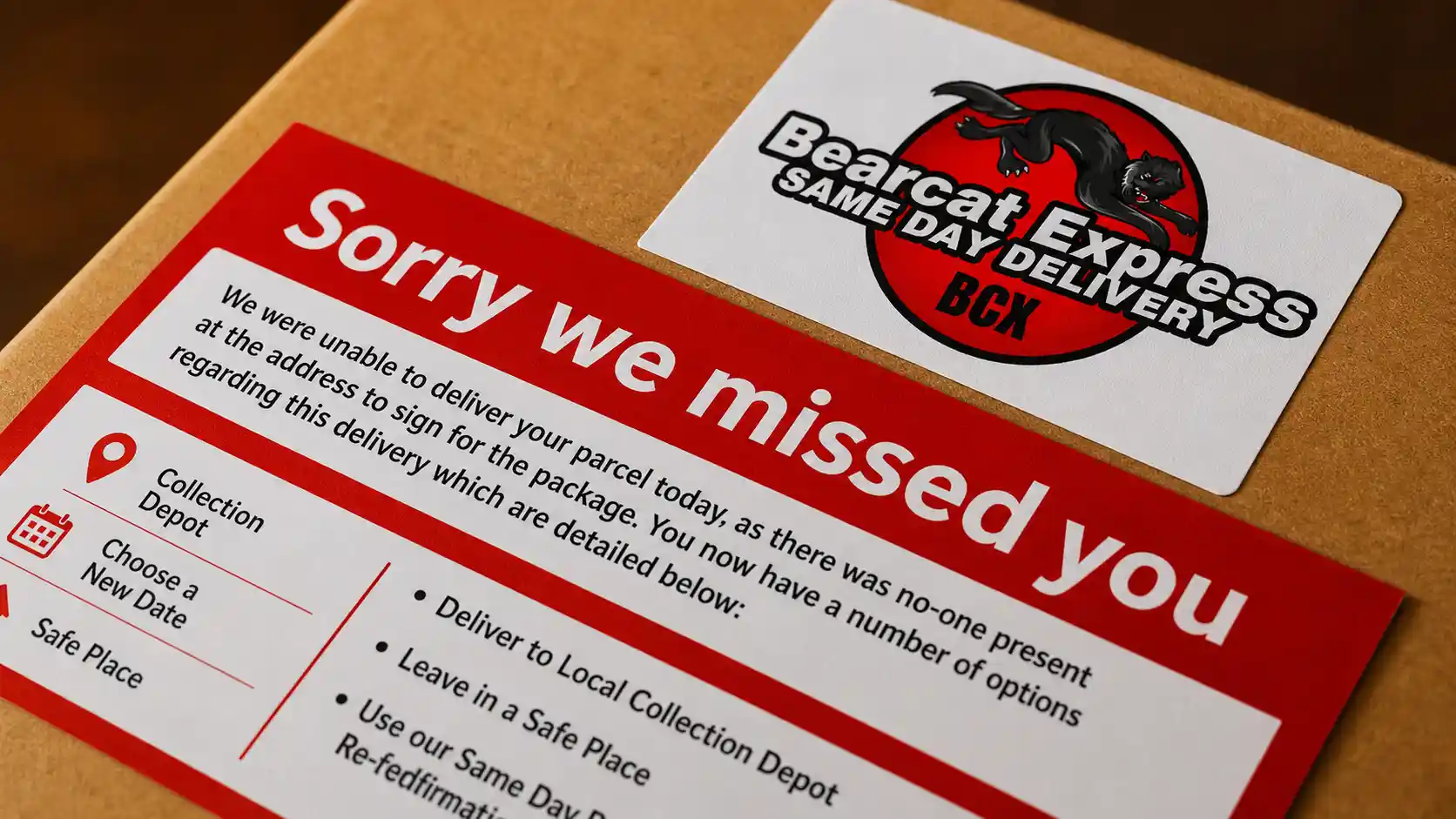
A failed attempt. The driver tried, could not complete the drop-off, and took the package back. Common reasons are no access to a building, no safe place to leave it, or a required signature with nobody present.
A missed scan. Sometimes a package is on the vehicle, but the final scan was not recorded, so the tracking page never updates even though the drop-off happened.
An end-of-day cutoff. Drivers have limited hours. If delays stacked up earlier in the route, the last few stops may roll to the next working day, and the status may stay unchanged overnight.
A wrong address or wrong location. The package may have been left at a neighboring unit, a leasing office, or a different entrance. Before you assume anything is lost, check around the property and ask neighbors.
If you are wondering what does out for delivery mean when it lasts more than one day, the answer is usually that a failed attempt or a rolled stop is hiding behind a status that has not refreshed yet.
What To Do If Your Package Hasn’t Arrived: The Out-for-Delivery Clock
Generic advice like “contact the courier” does not tell you when to act. This clock does. It turns the status into a timeline with a clear next step at each point.
| Time since status appeared | What is normal | What to do |
| Hour 0 to 2 | Driver is still working through earlier stops | Wait, and confirm your address and gate code are correct |
| Hour 2 to 4 | Your stop may be mid-route or delayed by traffic | Check for a delivery window or live estimate in your tracking |
| Hour 4 to end of day | Late in the route, or a delay stacked up | Contact the courier with your tracking number and ask where the driver is |
| Next morning, status unchanged | Likely a failed attempt, a rolled stop, or a missed scan | Ask for a redelivery attempt and check for a notice at your door |
| 48 hours or more | Something needs human attention | Request a formal trace, and tell the sender so they can open a claim |
For a package handled by a local courier, the call at the four-hour mark is especially useful, because dispatch can see where the driver is on the route. A local courier service in Augusta, GA can often tell you in a minute whether your stop is next, delayed, or already attempted. Large automated systems rarely can.
Can You Change the Address, Reschedule, or Track the Driver Now?
Changing the address. Once a driver has scanned your package, changing the address is usually not possible. The route is already built around that stop, and redirecting would disrupt other deliveries. If the address is wrong, contact the sender or courier immediately, but expect that the package may need to be returned and re-sent.
Rescheduling. Some providers let you move a delivery to a later date or hold it for pickup, but the option often closes once the package is out. The best time to reschedule is before this status appears.
Tracking the driver. Live tracking depends on the provider and service level. Some same-day services share a live location or a narrow arrival window, while others only update at scan points. If live tracking is not offered, a phone call to dispatch is the quickest substitute.
Out for Delivery vs Last-Mile Delivery
People often use these terms as if they were the same thing, but they are not. Last-mile delivery is the entire final leg of the journey, from the local facility to your door. It includes route planning, loading, driving, the handoff, and the proof of delivery. Out for delivery is one status inside that leg: the moment the leg officially begins. In other words, last-mile delivery is the process, and the status is a single signal within it.
Tips for a Smooth Delivery Experience
A few small habits on your side make the final stage much smoother:
- Keep gate codes, unit numbers, and building access notes current in your delivery profile.
- Turn on text or call notifications so a driver can reach you if they cannot get in.
- Add a safe drop location in the delivery instructions if you will not be home.
- Check your tracking in the morning, not only when you get worried, so you notice a failed attempt early.
- Keep your tracking number handy so a support call takes two minutes instead of ten.
Final Thought
So, what does out for delivery mean? It means your package now has a driver, a vehicle, and a route, and that delivery is planned for the same day. It does not mean an exact time, and it does not mean the work is finished. If you are expecting a delivery in the Augusta area and want to know where your package stands, contact us at Bearcat Express and our team can walk you through your route and timing.
FAQs
How long can a package stay out for delivery?
Normally, it should be delivered the same day. If the status is unchanged the next morning, it most likely means a failed attempt, a rolled stop, or a missed scan, so contact the courier for a redelivery or trace.
Does out for delivery mean my package is lost if it does not arrive?
No. A missing package at the end of the day is usually delayed, not lost. The most common causes are an access problem, a driver running out of time, or a drop-off that was made but not scanned.
Can I change my address once the status says out for delivery?
In most cases, no, because the route is already set. Contact the sender or courier right away, but expect that the package may need to be returned and sent again.
What is the difference between shipped and out for delivery?
Shipped means the sender has handed the package to the carrier. Out for delivery means a local driver has scanned it onto a vehicle and is bringing it to your address.
What is the difference between in transit and out for delivery?
In transit means the package is still moving between facilities. Out for delivery means it has reached the final stage and is on a delivery vehicle heading to you.