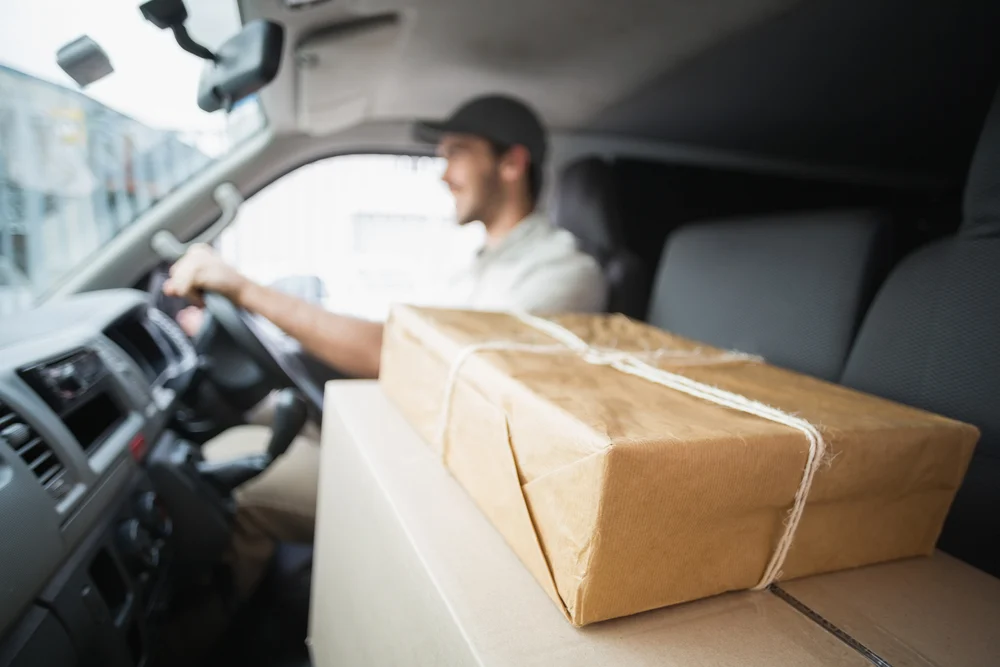
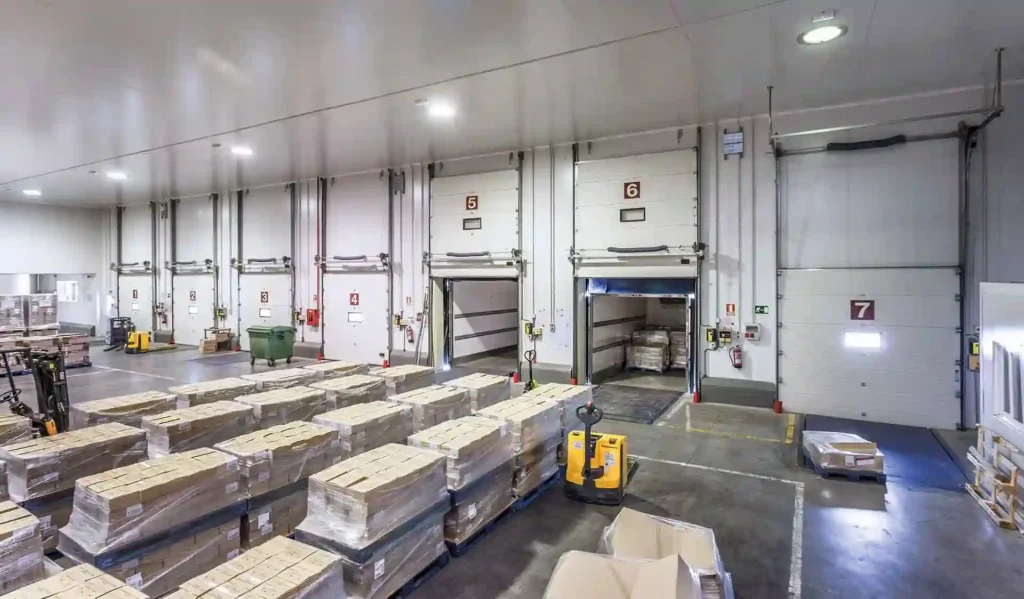
What does dispatch mean in shipping? In most online orders, it means your package has been packed, labeled, and handed to a delivery carrier to begin its journey. It has left the seller’s facility, but it has not been delivered yet. Tracking may stay quiet for a few hours or longer until the carrier scans it.
With a local courier such as Bearcat Express in Augusta, GA, dispatch has a slightly different shape: a dispatcher has assigned your job to a specific driver and route. This guide explains the dispatched meaning in both cases, so you know what to expect next.
Quick Answer
Dispatch means a shipment has been cleared to move and tied to a carrier, a driver, or a route. For an online order, it usually means the seller has handed the parcel to a carrier. For a courier, it means a dispatcher has assigned the job to a specific driver. In both cases, dispatched does not mean delivered, and it does not guarantee the parcel is moving at that exact minute. The simplest dispatch definition is this: the handoff decision has been made, but the journey is not finished.
Same Word, Three Meanings: Who Is Saying Dispatched?
Most confusion comes from the fact that three different parties use the same word for three different moments.
| Who sets the status | What has happened | Where the parcel is | What usually comes next |
| An online seller | Packed, labeled, and handed to a carrier | With the carrier, often not yet scanned | First carrier scan, tracking becomes active |
| A local courier | Job assigned to a driver and a route | At the pickup point or already on that driver’s vehicle | Pickup, then Out for Delivery |
| A multi-hub carrier | Shipment released from a facility toward the next stop | Leaving a hub or terminal | Arrival scan at the next facility |
This is why two people can read the same status and both be partly right. Always check who issued the update before deciding how worried to be.
What Does Dispatched Actually Mean
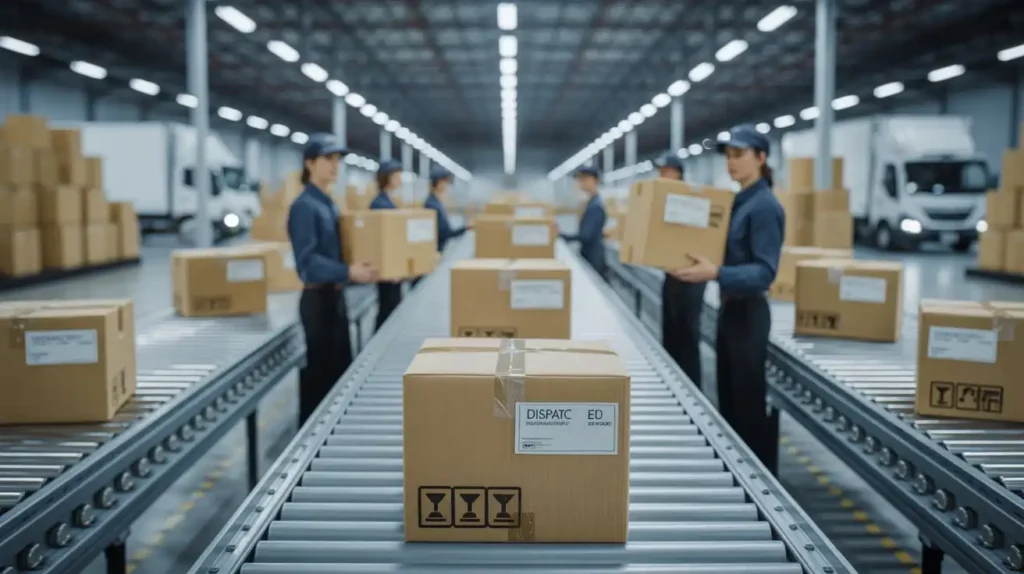
The definition of dispatched combines two actions: a formal release and an assignment. Someone has checked the item against its label, confirmed the details, and attached it to a person or vehicle responsible for moving it. Think of it as a checkpoint rather than a movement.
That also answers a common follow-up: what does dispatched from sorting center mean? It means the parcel cleared that specific facility’s checks and was released toward its next stop or its final delivery. A shipment that passes through several facilities can show this status more than once. The dispatched meaning stays the same each time; only the location changes.
Dispatched vs Shipped vs Processing vs In Transit vs Out for Delivery
Status wording varies by region and retailer. “Dispatched” is more common in British English and “shipped” in American English, and many sellers use them interchangeably. Carriers, however, often treat them as separate events.
| Status | What it means | Is it moving? |
| Processing | Order received, being picked and packed | No |
| Ready for dispatch | Packed and labeled, waiting for handoff | No |
| Dispatched | Handed to, or assigned to, a carrier or driver | Not necessarily |
| Shipped | Often a synonym for dispatched, sometimes the whole outbound trip | Usually |
| In transit | Moving between points | Yes |
| Out for delivery | Loaded for the final leg | Yes |
Out for delivery always comes after dispatch, because a driver has to have the parcel before heading out.
What Dispatch Means If You’re the One Shipping
Most explanations are written for the person waiting on a parcel. If you are the sender, dispatch starts before any status changes, and the quality of your handoff decides how quickly it happens. A courier such as Bearcat Express can only assign a driver once the basics are clear: an accurate pickup address with access notes, a package that is labeled and weighed, and any special instructions such as a signature requirement or a hard deadline.
Incomplete details are a common reason a business shipment waits longer than it should. It is also worth keeping a copy of your dispatch confirmation. The definition of dispatched for a sender includes a record, and that record is useful if a delivery window is ever questioned.
Who’s Responsible at Each Stage, and Why Dispatch Is a Proof Checkpoint
Responsibility shifts as the job moves. The sender owns the accuracy of the address, pickup window, and item details. The dispatcher owns the assignment: which driver, in what order. The driver owns safe movement and the final handoff. The recipient confirms receipt or flags a problem.
Dispatch is the point where a shared process becomes a single named decision. Systems typically log who scanned the item, the time, and the driver assigned. For an ordinary parcel, that record rarely matters. For a signed contract, a legal filing, or a specimen with a strict time window, it can become the proof that a handoff happened on time. When something goes wrong, asking about the dispatch record first usually gets the fastest answer.
Inside a Same-Day Dispatch Desk: From Pickup Request to Driver Assigned
Here is how a typical same-day job moves through a dispatch desk. A request comes in, and a staff member confirms the addresses, the item, and any flags such as fragile handling. The job then goes onto the route board, which shows each driver’s current position, stops already committed, and remaining capacity.
The real decision is fit. Picture three requests arriving within ten minutes of each other: a legal filing that must reach a courthouse before a deadline, a medical specimen with a strict time window, and a standard business package with a same-day promise but no hard cutoff. A dispatcher cannot simply assign them in arrival order. They separate fixed deadlines from flexible ones, find the closest driver who is not so loaded that one more stop breaks existing promises, and check whether pulling a driver off a lower-priority stop causes a bigger problem elsewhere. None of this appears as a status update, yet it is the work behind that one word.
Why Tracking Pauses After Dispatch and How Long It Really Takes
A quiet tracking page after dispatch is often normal. Systems update at meaningful checkpoints, such as dispatched, out for delivery, and delivered, rather than at every internal step. Notifications can also lag the internal timestamp by a few minutes, depending on the system.
How long the pause lasts depends on the type of service. These are general patterns, not guarantees, and every carrier publishes its own timelines.
| Service type | What the pause usually reflects | General pattern |
| Same-day courier | Driver finishing earlier stops before your pickup or drop | Depends on route load; often shorter than other services |
| Standard parcel carrier | Parcel waiting for its first facility scan | First scan may appear later that day or the next |
| Marketplace or international seller | Label created, parcel not yet with the carrier | Can take a day or more; check the carrier’s own notice |
Common Dispatch Delays and What Causes Each One
- High volume: Holidays and local events can push more jobs than routes were planned for, so assignments wait while drivers are added or routes adjusted.
- Weather and roads: A storm or closure can hold a job because sending a driver into unsafe conditions helps no one.
- Address or access problems: Missing unit numbers or gate codes can make dispatch pause to confirm details before a driver is sent.
- Driver or vehicle availability: A sick call or breakdown forces reassignment, which adds a short delay.
- Several urgent jobs at once: Sequencing by true urgency can shift when any single job is updated.
Can You Change or Cancel an Order After Dispatch?
Usually it becomes harder, because the parcel is no longer fully under the sender’s control. Contact the seller or carrier as soon as possible and ask about an address correction, a redirect, or a return on arrival. With a local courier, changes are often simpler before the driver physically collects the item, though the outcome depends on the route and the service level. Fees or limits may apply, so ask directly rather than assuming.
How Dispatch Software and Route Boards Work
Dispatch software gives the desk a live view of drivers, locations, stops, and capacity. When a job is assigned, the system logs the assignment and can trigger a customer notification. Some tools suggest an assignment automatically, but a human dispatcher still overrides it when urgency, access, or a driver’s workload does not fit what the algorithm sees.
Why Same-Day Couriers Dispatch Differently Than E-Commerce Carriers
Large e-commerce carriers often dispatch in scheduled batches grouped by region. That works when delivery windows are measured in days. A same-day courier cannot wait for a batch cycle, because the promise depends on dispatching the moment a job is ready. That is why pickup timing with a business office or retail counter matters so much. For local, time-sensitive work, a service like Same Day Delivery Service Augusta GA is built around keeping the gap between pickup and dispatch short.
Status Stuck? Wait, Check, or Call: A Decision Table
| Situation | Likely cause | What to do |
| Same-day job dispatched, delivery window has passed | Driver delayed or job reassigned | Call the courier now and ask about reassignment |
| Standard parcel dispatched, no scan yet | Awaiting first facility scan | Wait, then contact the seller if nothing appears after the next business day |
| Status unchanged during a holiday rush or storm | Volume or weather hold | Wait and watch for a carrier notice |
| Address has a gate, suite, or access restriction | Details need confirming | Check the address on file and send corrections |
| Status unchanged and no explanation | Unknown | Contact the carrier directly, not only the retailer |
Final Thought
Understanding what does dispatch mean in shipping removes most of the worry from that one word. It marks a real decision involving a driver, a route, and a deadline, and the dispatched meaning only becomes clear once you know who issued the status. Bearcat Express treats dispatch as an active coordination step rather than a formality, because a same-day promise only holds when each assignment is made carefully.
If your business ships time-sensitive items and you want a clearer view of how dispatch works for your routes, contact us to talk through your deadlines.
Frequently Asked Questions
Does dispatched mean my package will arrive today?
Not necessarily. Dispatched confirms the parcel was handed to or assigned to a carrier, and arrival time depends on the service level, distance, and route.
Is dispatched the same as shipped?
Often they are used interchangeably, especially by sellers, with “dispatched” more common in British English. Some carriers treat them as separate events, so check which party issued the status.
What does dispatched from sorting center mean?
It means the parcel cleared that facility and was released toward its next stop or final delivery. Multi-stop shipments can show this status more than once.
Is the definition of dispatched different for medical or legal shipments?
The core dispatch definition stays the same. The difference is that the timestamp and driver assignment can serve as proof that a handoff happened on schedule.
How long after dispatch will tracking update?
It varies by service type and carrier. Same-day couriers often update as soon as a driver is assigned or the job is picked up, while standard carriers may wait for a first facility scan.